User Registration
Overview
Before you can use eQ+, you need to register your account. There are two ways to do this:
- Continue with Microsoft — recommended if your firm uses Microsoft 365
- Sign Up manually — use a custom email and password
You must already have a valid account with the original version of eQx (your Oracle username and password). You'll need these credentials during registration.
Option 1: Continue with Microsoft
-
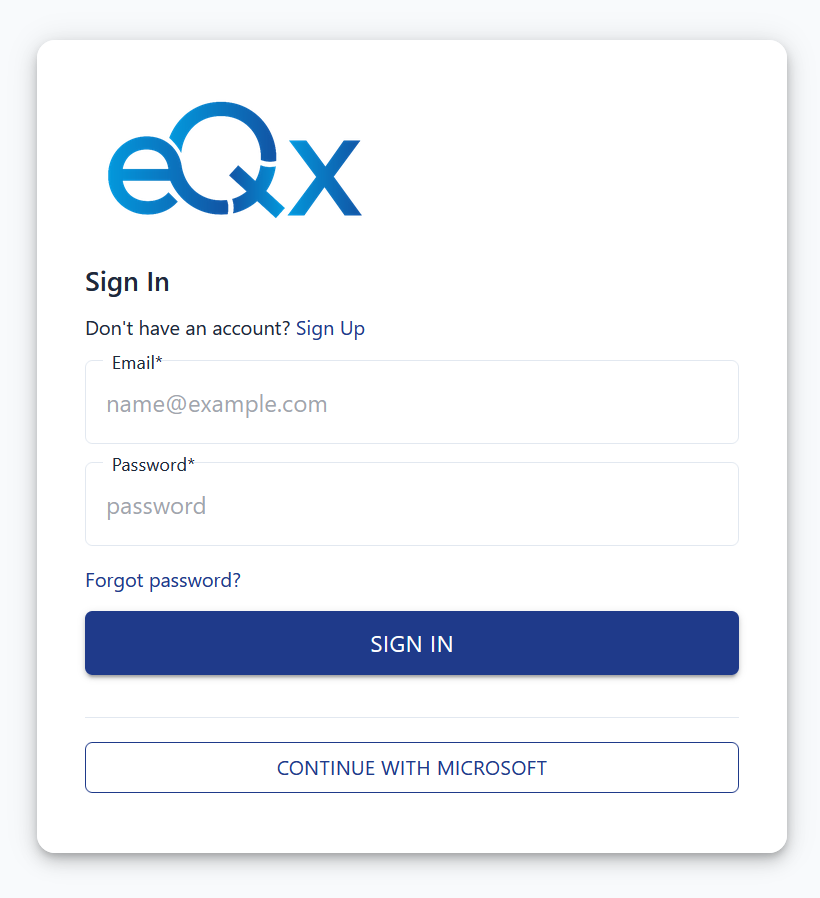
On the login page, click "Continue with Microsoft".
-
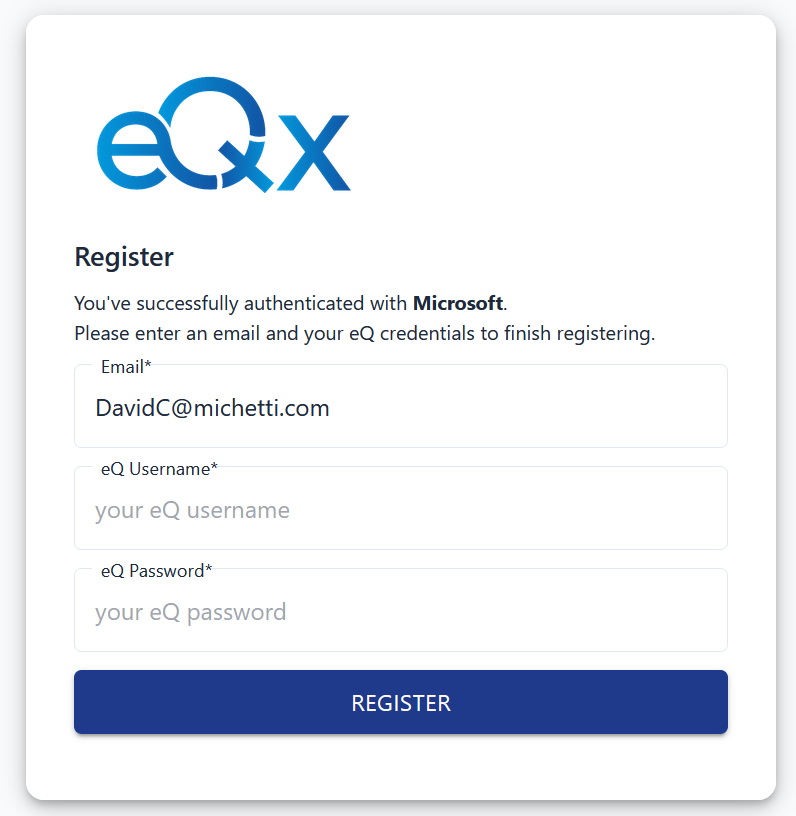
Complete the standard Microsoft authentication process. Once authenticated, you'll see the registration page.
-
Enter the username and password you used for the old version of eQx.
-
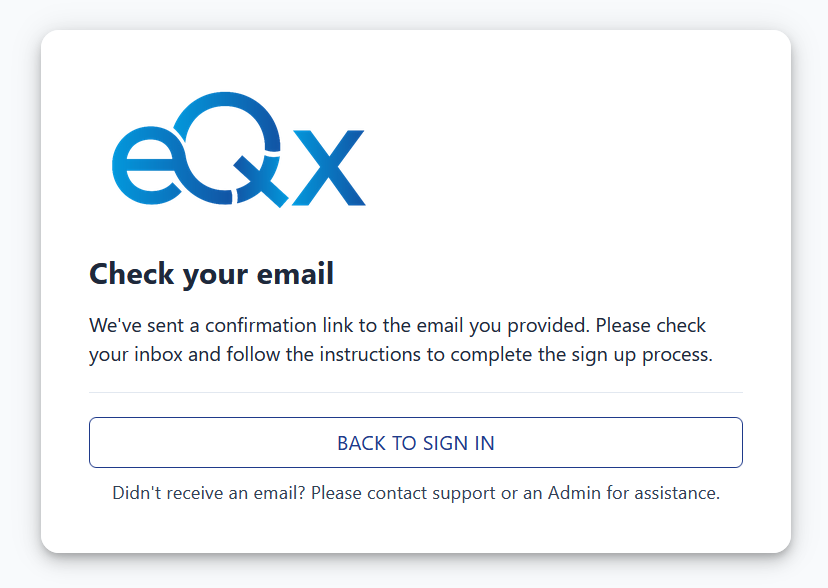
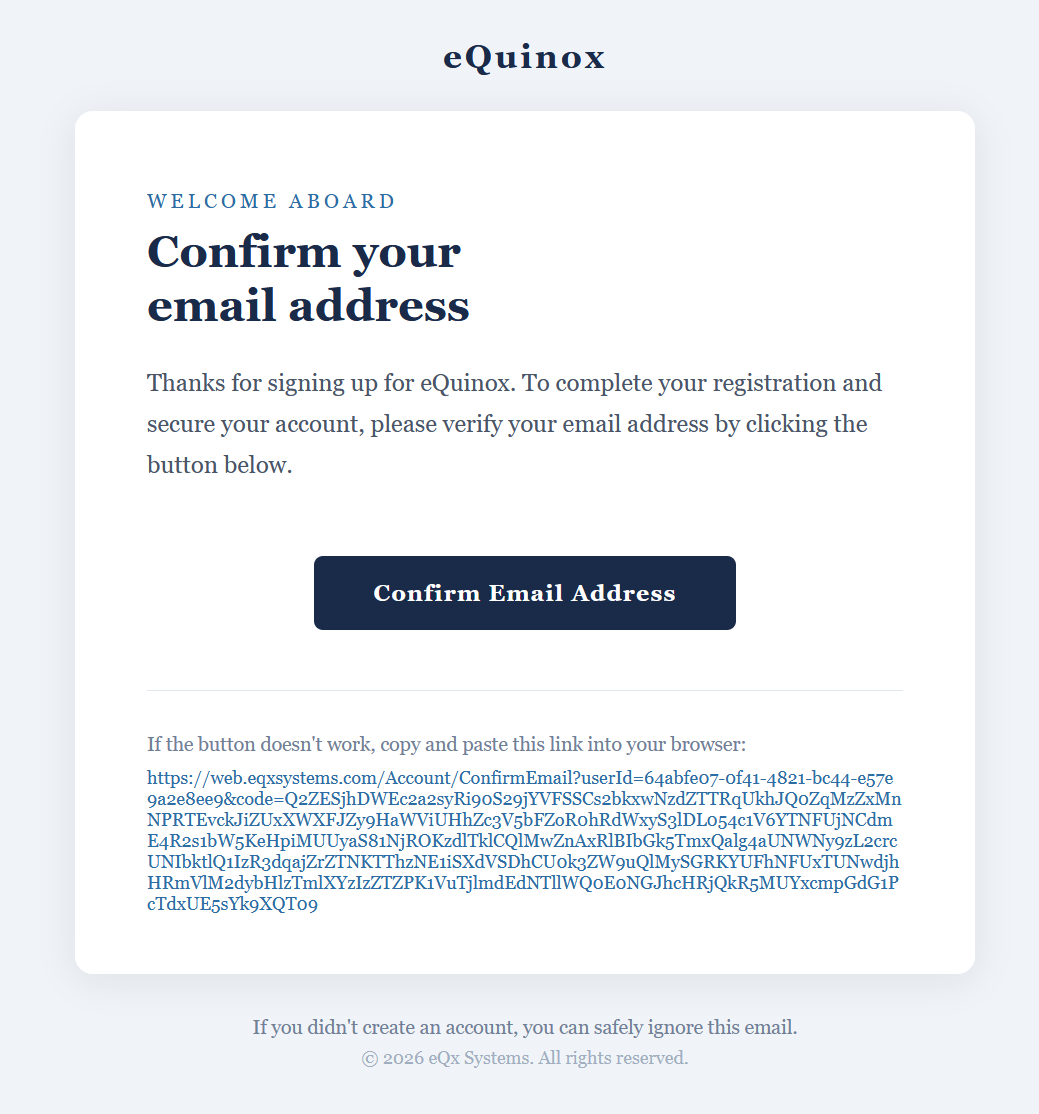
If successful, you'll receive a confirmation email. Click the link in the email to verify your account.
-
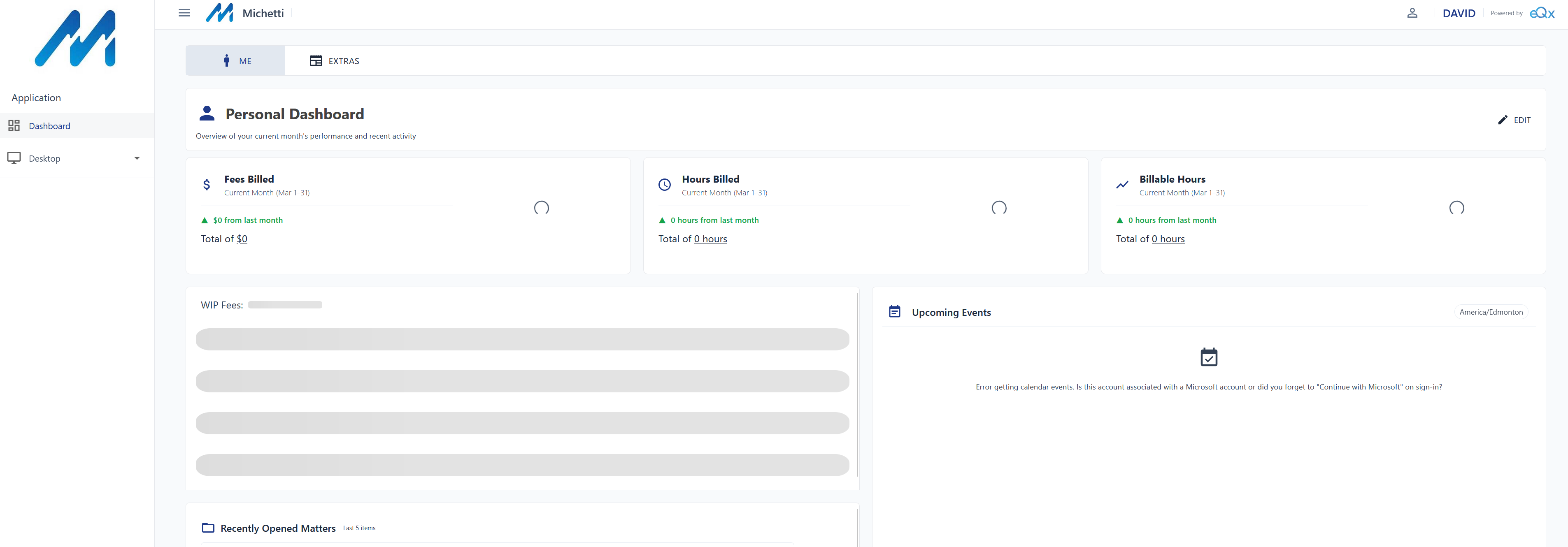
After confirming, return to the login page and click "Continue with Microsoft" again. You should now be logged in.
Option 2: Sign Up Manually
-
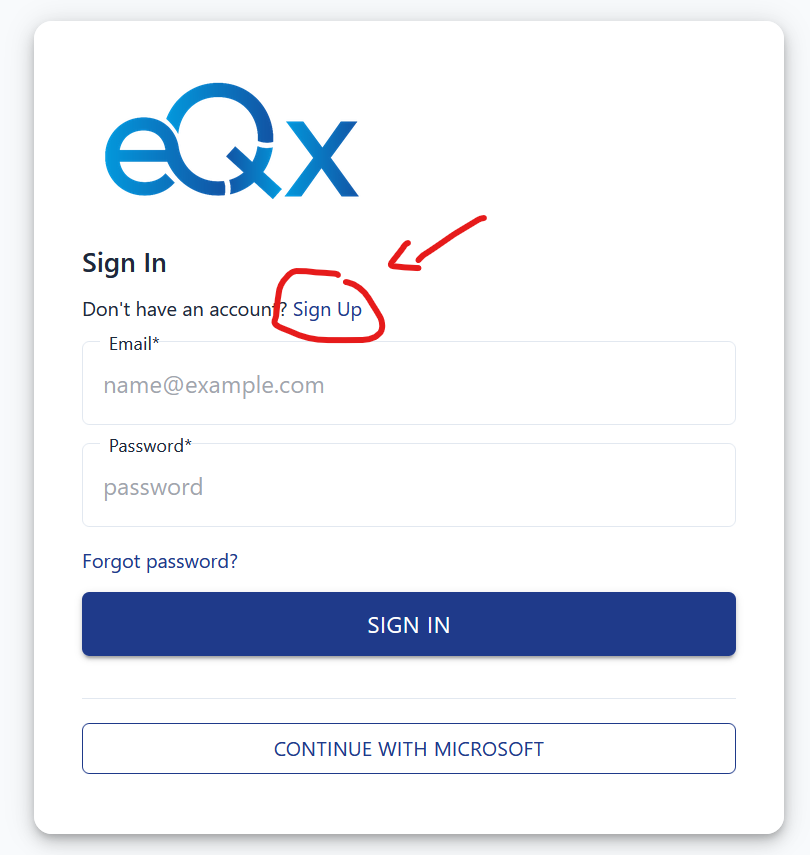
On the login page, click the "Sign Up" link.
-
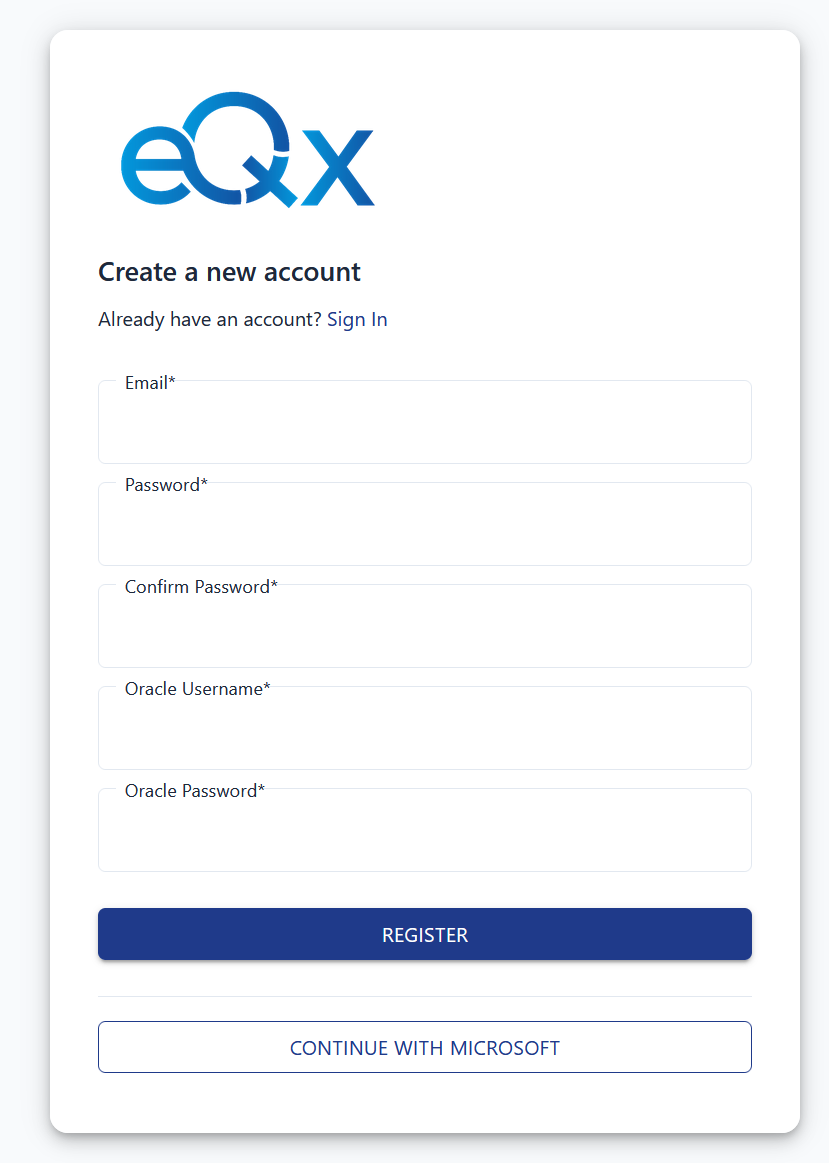
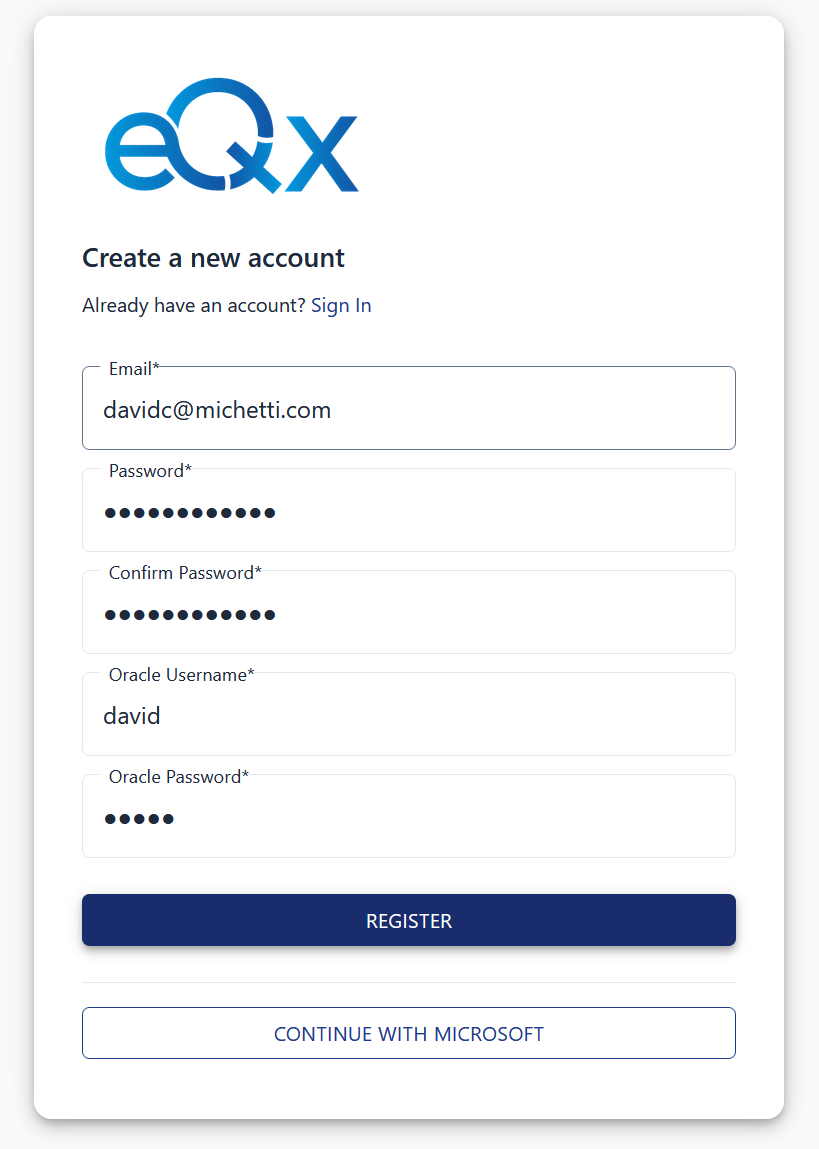
Fill in the registration form:
- Email & Password — the credentials you want to use for eQ+
- Oracle Username & Oracle Password — the credentials from the old eQx
-
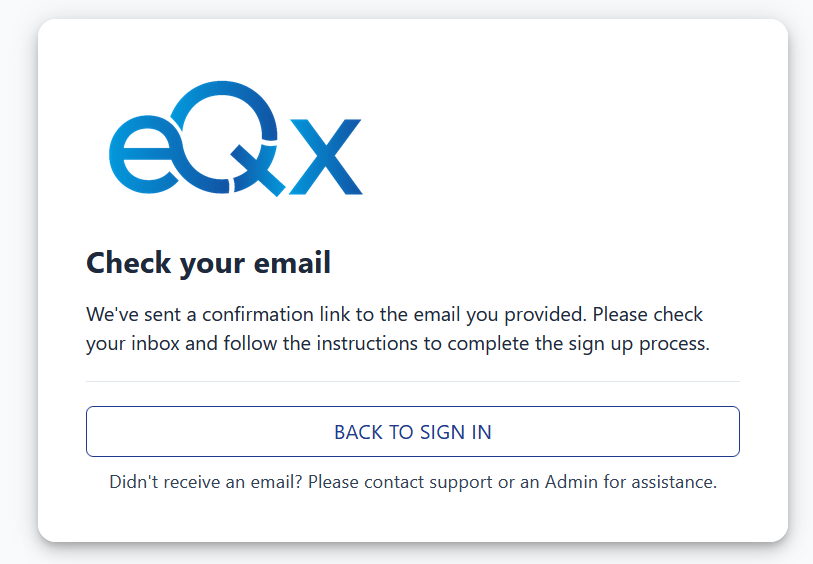
If registration is successful, you'll receive a confirmation email.
-
Click the confirmation link, then return to the login page and sign in with your new email and password.
If you don't receive the confirmation email, ask your Firm Admin to re-send it from the User Management panel.