Cheque Results
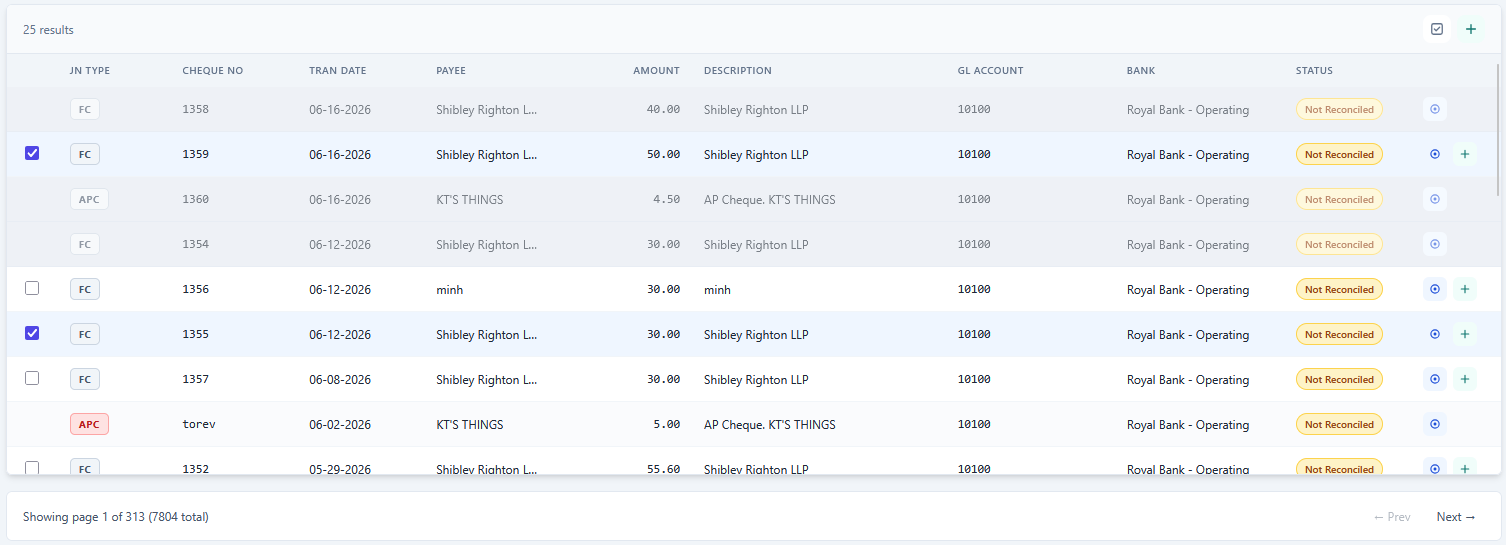
This section displays the cheques returned by your search.
View Cheque Details
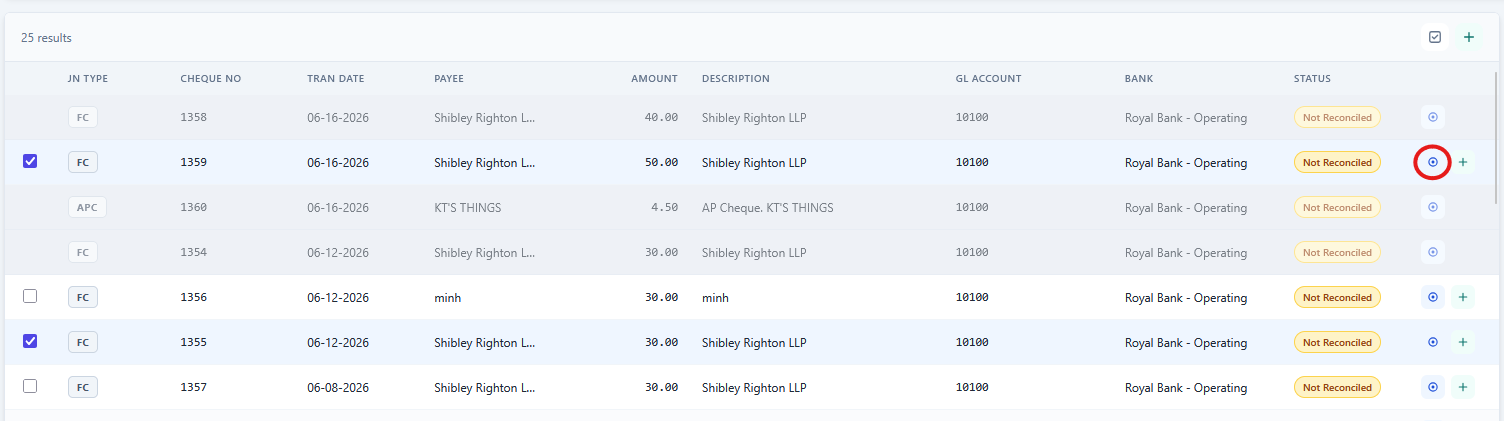
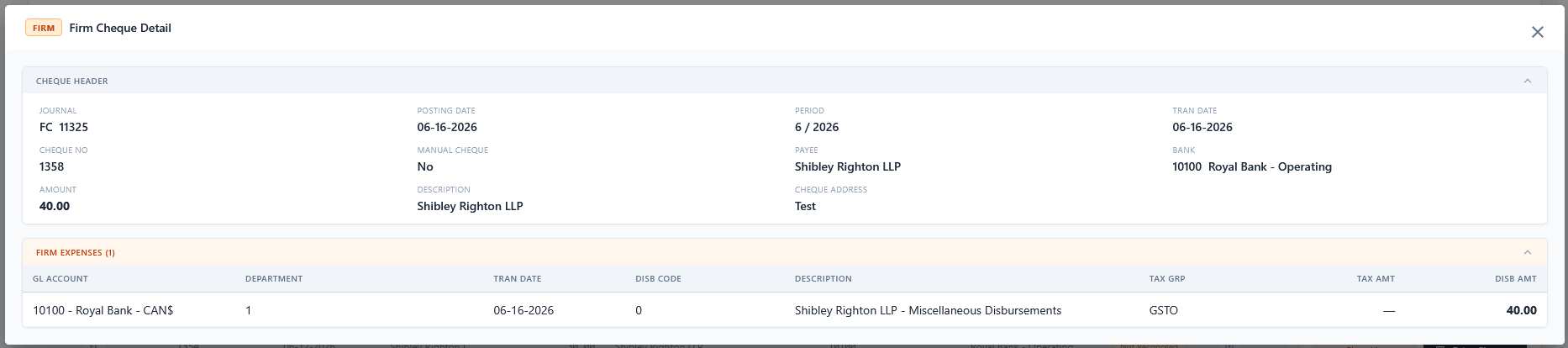
You can view a cheque's details by clicking the View Detail button (circled in red), which opens a Cheque Detail dialog. You can also click on each table header to expand or collapse it.
Add Cheques to the Print List
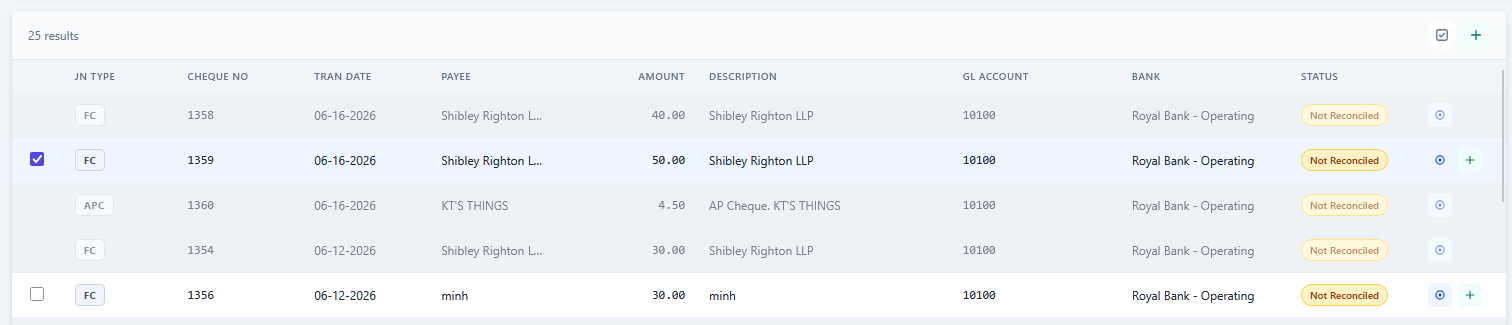
There are 2 ways to add cheques to the Print List:
- One at a time: Click the + button at the end of a cheque's row to immediately add it to the Print List.

- Multiple at once: Check the checkbox at the start of each cheque row you want to add (only printable cheques have a checkbox), then click the + button in the table header (top right) to add all selected cheques. The checkbox next to it selects all selectable cheques at once.
Note: Reversed and Reconciled cheques are not printable and cannot be added to the Print List.