Managing Dockets
This page covers how to find, edit, and delete existing time dockets.
Querying Time Dockets
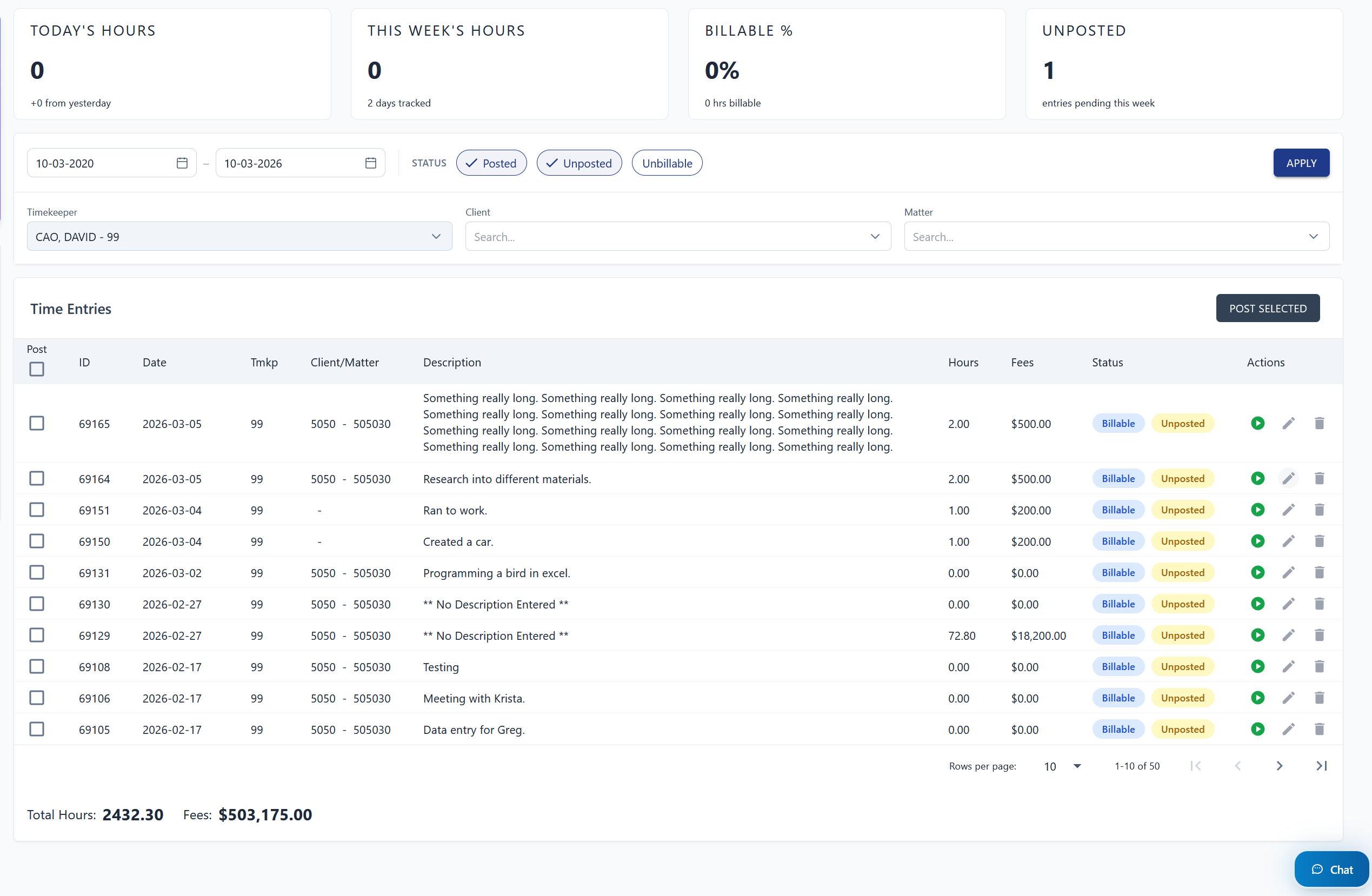
Use the parameters panel to filter dockets by date range, status, timekeeper, client, and/or matter.
- Set your desired filter criteria in the parameters section.
- Click "Apply" to return matching dockets.
note
Professional users can only query their own time dockets — they cannot view other timekeepers' entries.
Editing a Time Docket
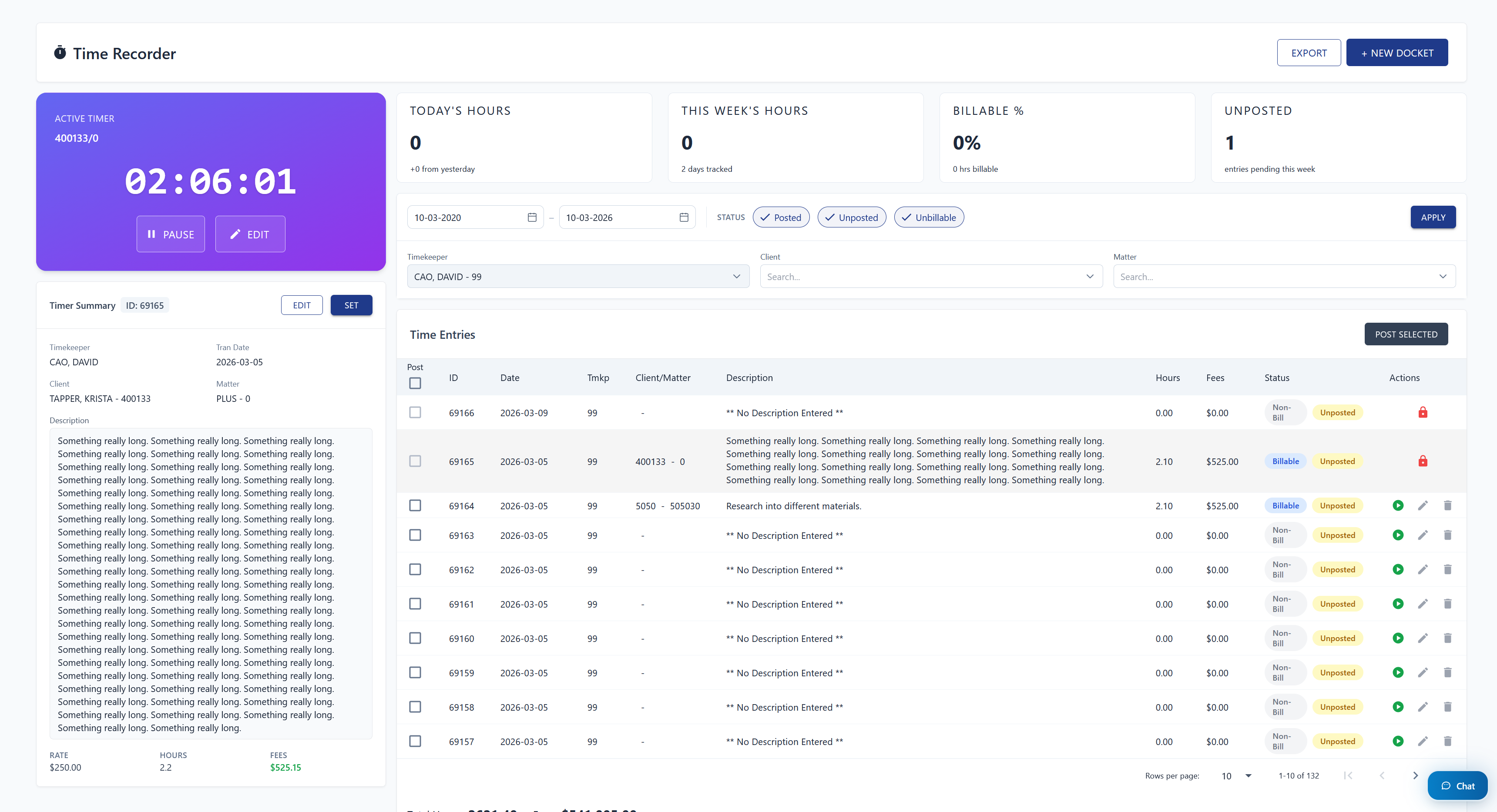
Each docket row has an Actions column with the following controls:
- Play button (Professional role only) — starts a live timer on that docket. While the timer is running, the docket cannot be edited inline.
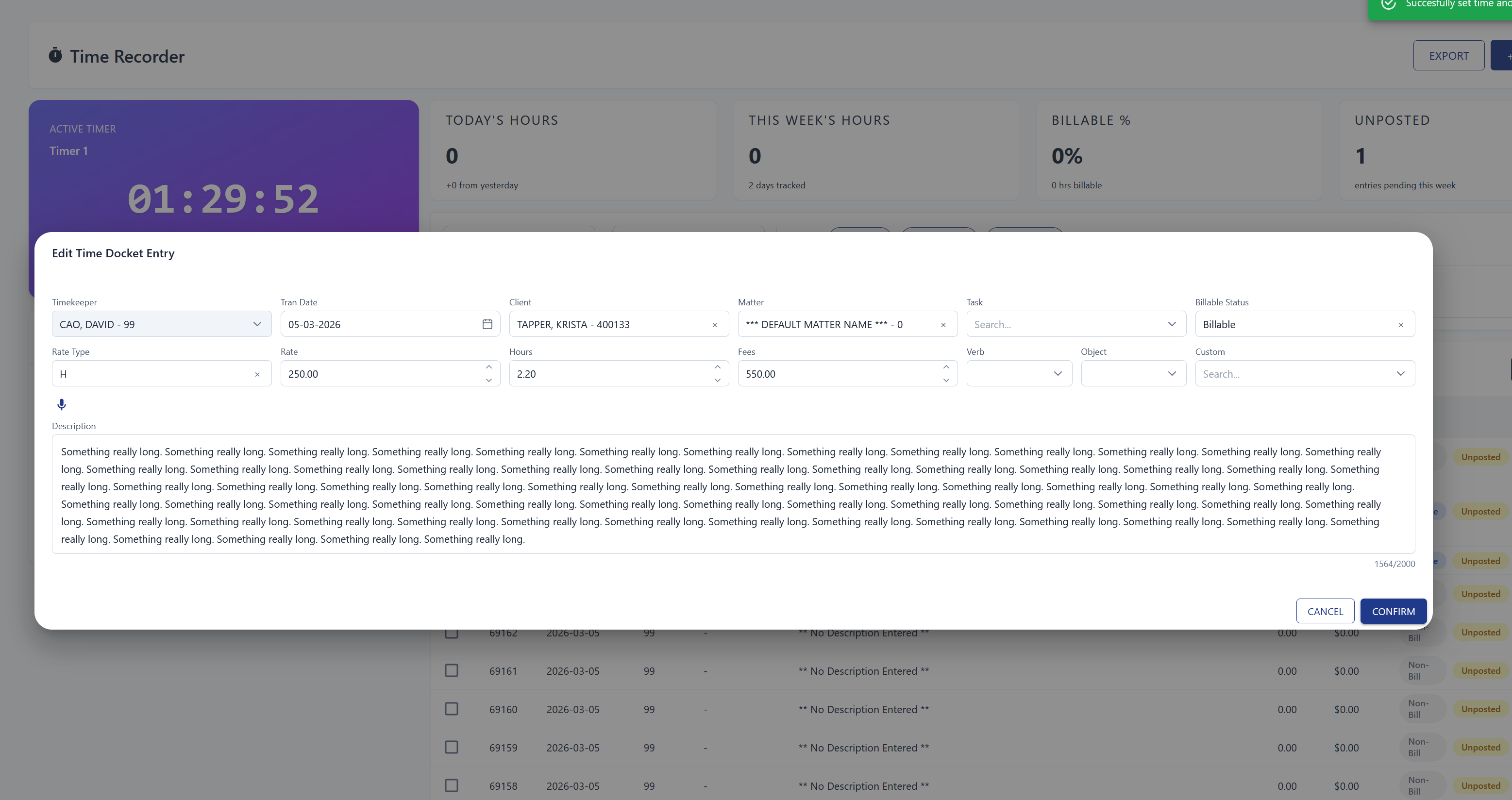
- Pen icon — opens a popup where you can modify the docket fields. Click "Confirm" to save.
Deleting a Time Docket
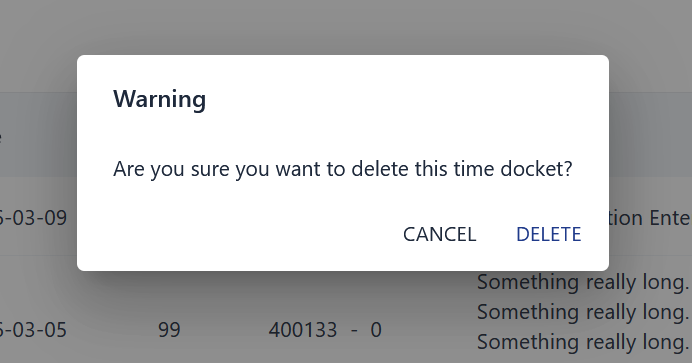
In the same Actions column, click the trashcan icon to delete a docket.
warning
Deleting a docket is permanent and cannot be undone.