Reports Overview
Overview
All reports you have access to are available under the Reports tab. You can search, filter, and sort the report list to quickly find what you need.
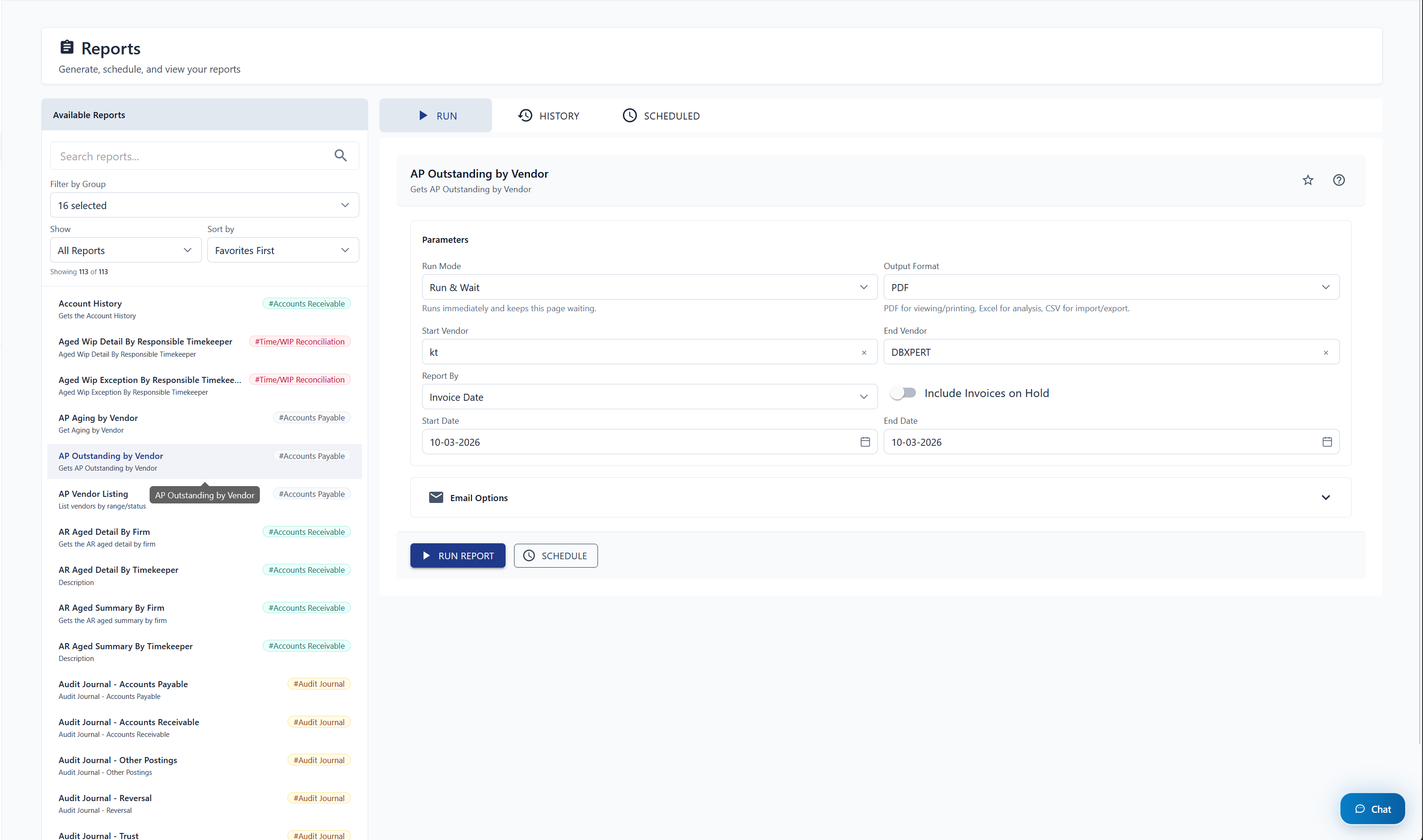
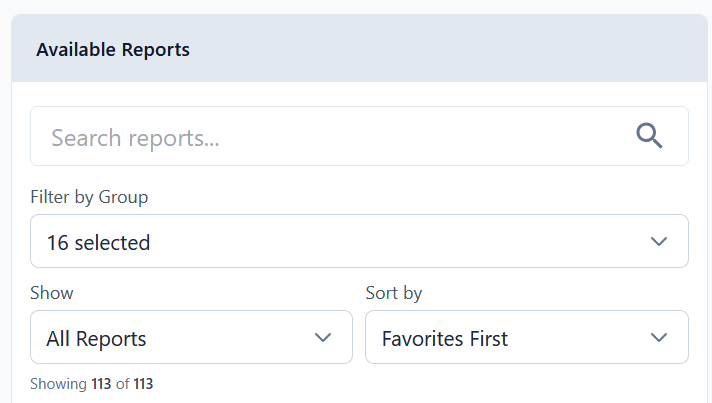
When you select a report, its parameters appear in the middle section of the page. Each report has three tabs:
| Tab | Purpose |
|---|---|
| Run | Set parameters and execute the report |
| History | View previously run reports and download results |
| Scheduled | Manage scheduled and recurring report jobs |
What's Next
| Guide | Description |
|---|---|
| Organizing Reports | Favourite reports and group them into folders |
| Running & Scheduling | Execute reports and set up recurring schedules |
| History & Scheduled Jobs | Review past runs and manage scheduled jobs |