Report History & Scheduled Jobs
History
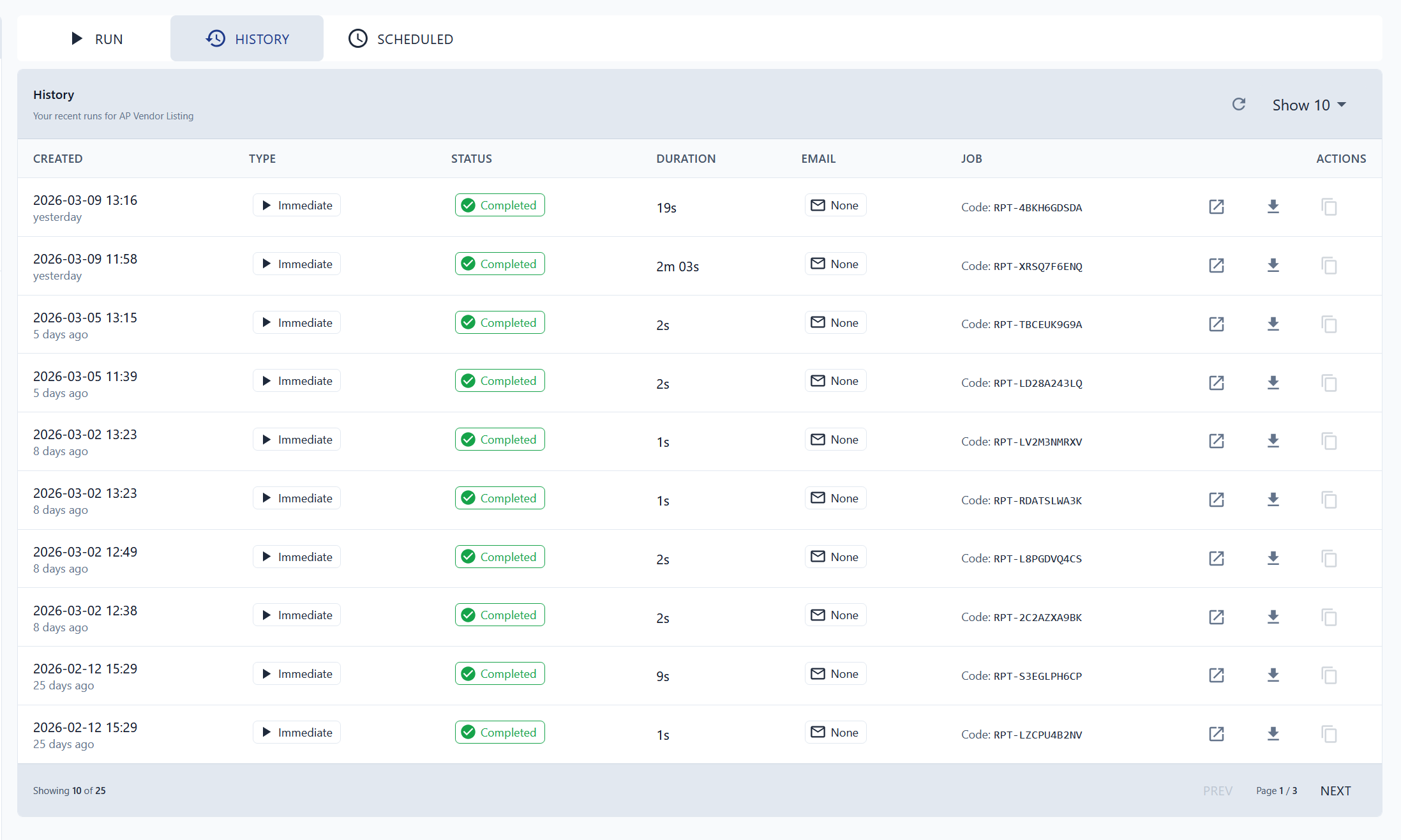
The History tab shows every past execution of the selected report. For each run you can see:
- Status — whether the report completed, failed, or is still running
- Duration — how long the report took to generate
- Actions — open the report output or download it
Scheduled Jobs
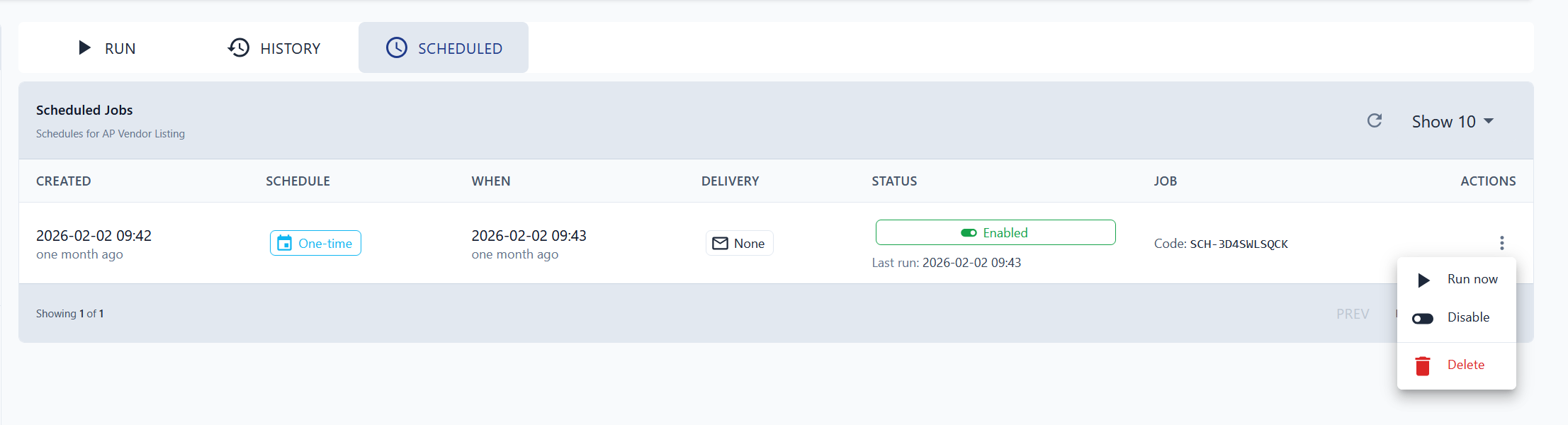
The Scheduled tab lists all active schedules for the selected report. From here you can:
| Action | What It Does |
|---|---|
| Run Now | Immediately execute the scheduled report |
| Disable | Pause the schedule without deleting it |
| Delete | Permanently remove the scheduled job |
tip
If a report is no longer needed on a recurring schedule, Disable it first to confirm nothing depends on it before deleting.